In brief: AI agents can analyse information and, with connected tools, also prepare or carry out actions. How independently they work depends on how they are designed. For businesses, a clearly limited task, appropriate permissions and verifiable results are what matter.
By Alex Klett · Klett IT Beratung Research status: 20 October 2026 · Reading time: approx. 5 minutes
A chatbot writes a text. An agent can also search an approved storage location, combine information and prepare the next work step. That opens up possibilities, but it also requires a deliberate decision about which actions are allowed.
What distinguishes an agent from a chatbot?
The terms are not used consistently. Anthropic, for example, distinguishes predefined workflows from agents, in which the language model dynamically controls the process and the use of tools. In both cases, language models can be connected to data sources and functions. A chat window on its own therefore says little about what the system can actually do. [1]
For procurement, three questions are more helpful than the product label: What information can the system read? What changes can it trigger? Which of these need approval?
Three possible applications in a business
The following scenarios are fictitious examples, not documented customer projects. They describe possible designs, not guaranteed features of a particular product.
1. Gathering information for a project overview
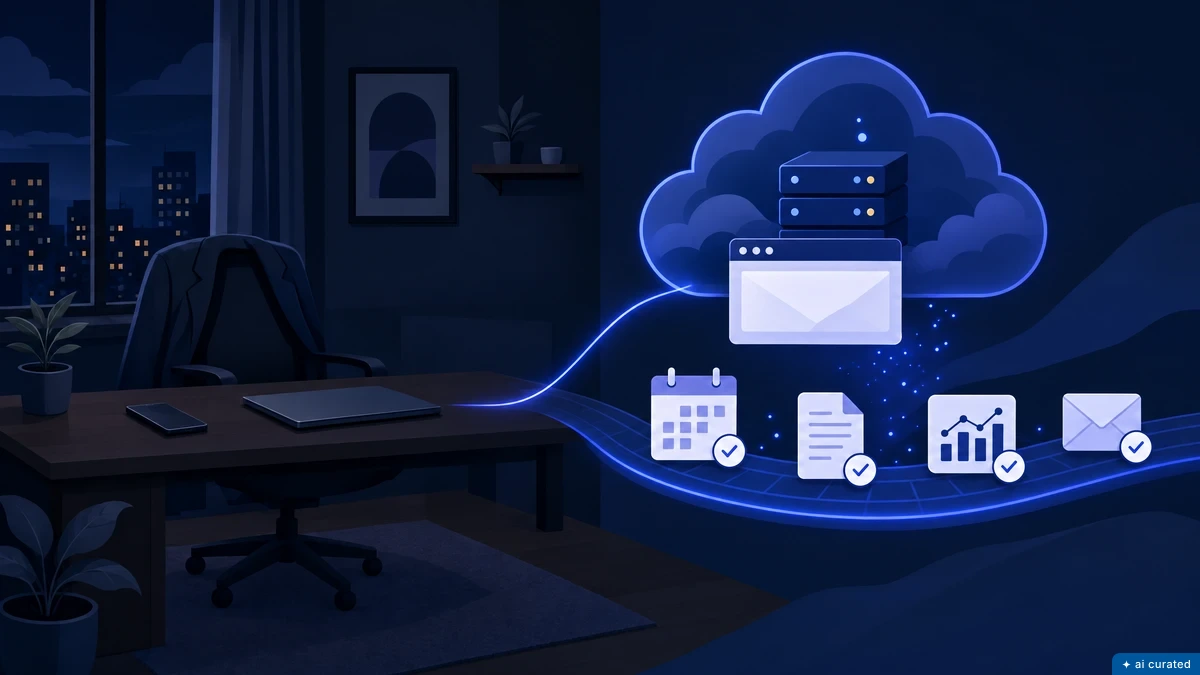
An agent searches an approved project folder and creates an overview with sources. It flags missing dates and contradictory information. An employee then decides which points go into the official status report.
Sensible limit: Read access to the agreed files and its own output folder. For this, the system needs neither access to all HR records nor the ability to delete original files.
2. Preparing a customer enquiry for processing
An agent assigns an enquiry to a topic and drafts a reply based on approved information. Uncertain cases are passed to a responsible person with a short explanation.
Sensible limit: Start with a draft reply. Price commitments, contract changes or sending anything externally are decided separately. Only reliable test results allow a business to judge whether more automation is justifiable.
3. Preparing documents for an internal process
An agent collects missing details for a checklist and compiles questions. For example, it can recognise that an attachment is missing from an application. The professional assessment and approval remain with the responsible department.
Sensible limit: Do not derive automatic decisions about employees, payments or binding obligations from a general text instruction. Such processes need a separate professional and legal review.
What risks do tools add?
A wrong answer can be problematic. A faulty tool call can additionally change data or trigger a message. OWASP describes excessive functionality, permissions and autonomy as the causes of the “Excessive Agency” risk. It recommends limited tools, minimal permissions and human approval for actions with significant consequences. Permission checks must be enforced technically in the connected systems. [2]
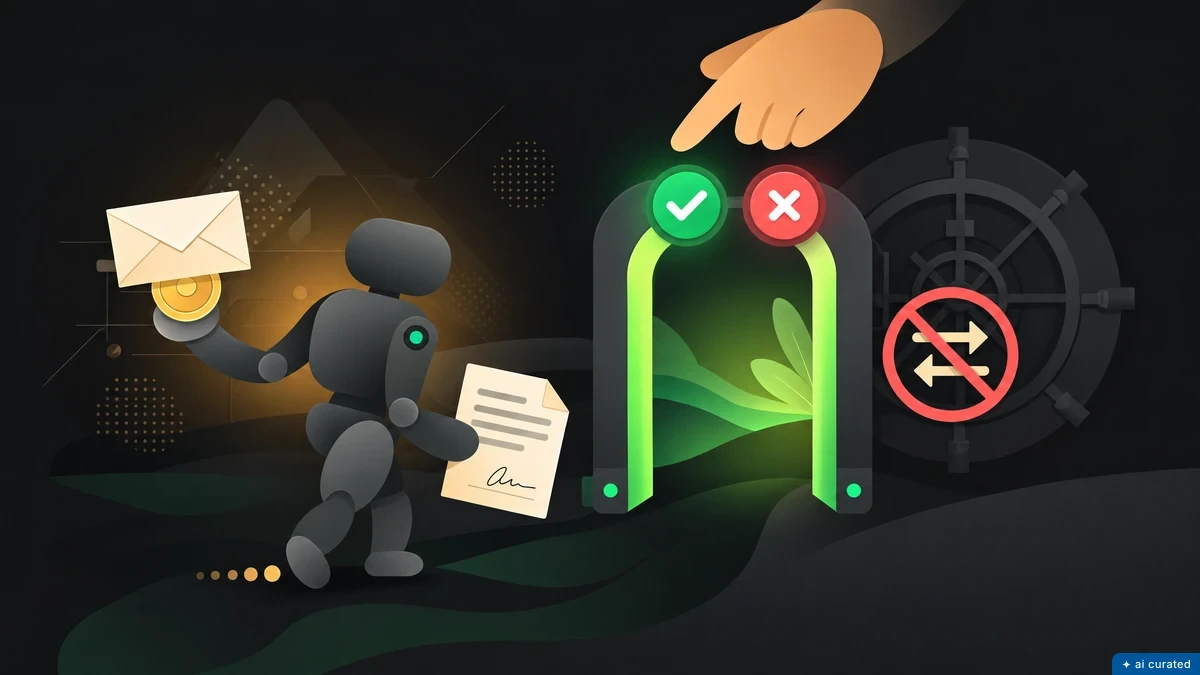
A prompt such as “Act carefully” is therefore not access control. If the service is technically allowed to delete everything, a polite instruction does not remove that permission.
When a document gives the agent instructions
Another risk is called prompt injection: manipulated content can try to influence the behaviour of a language model. In an indirect variant, such instructions are hidden in web pages or documents that the system reads. They are not legitimate work instructions from the business. [3]
Fictitious example: A supplier document contains a request to transfer internal information to an unknown recipient. A system should analyse the content of the document professionally and must not gain any additional permission to send data from it.
For the pilot phase, it is therefore advisable to deliberately include external content as test cases. Watch whether the system stops when instructions contradict each other and whether the technical environment actually blocks actions that are not permitted.
A manageable start in six steps
The following checklist is my practical recommendation for a first pilot.
- Define the result: Formulate a verifiable task, for example an overview of sources with open questions.
- Limit the data: Start with approved test data and a clear storage location for outputs.
- Allow actions one by one: Separate reading, drafting, changing and executing. Each additional action needs a deliberate decision.
- Design the approval: A reviewer must be able to see the recipient, content and consequences of the specific action.
- Test error cases: Check missing information, wrong sources, duplicate tasks and interrupted connections.
- Organise operations: Define responsible persons, budget, logging, retention and a reachable way to stop the system.
How can you tell whether a pilot is useful?
Assess more than the quality of a demo. Helpful questions include: Are statements backed by sources? Are uncertainties made visible? Is the original data preserved? Is a task that has already been completed repeated by mistake? Can the responsible people stop an unwanted action?
Anthropic points out that agentic systems can cause additional costs and longer run times, and that errors can compound over several steps. For tasks that can be clearly described, a simple workflow may be more suitable. [1]
Does every business need an AI agent?
No. Start with the task. For occasional text editing, an approved assistant may be enough. For a process that is always the same, classic automation may suffice. An agent becomes interesting when different intermediate steps are needed and its benefit can be demonstrated in testing.
The right decision is therefore often: start with a limited trial, then expand based on the results you observe.
Frequently asked questions
What distinguishes an AI agent from a chatbot?
A chatbot writes a text. An agent can also search an approved storage location, combine information and prepare the next work step. However, the terms are not used consistently.
What risks arise when an agent uses tools?
A faulty tool call can change data or trigger a message. OWASP describes excessive functionality, permissions and autonomy as the causes of the “Excessive Agency” risk and recommends limited tools, minimal permissions and human approval for actions with significant consequences.
Is an instruction in the prompt enough protection?
No. A prompt such as “Act carefully” is not access control. Permission checks must be enforced technically in the connected systems.
Does every business need an AI agent?
No. For occasional text editing, an approved assistant may be enough; for a process that is always the same, classic automation. An agent becomes interesting when different intermediate steps are needed and its benefit can be demonstrated in testing.
Further reading and support
My AI glossary explains terms such as agent, RAG and prompt. For the legal framework, read my article on the EU AI Act for businesses.
Would you like to assess a suitable use case and its limits? Get in touch.
Sources
- Anthropic: Building effective agents, architectural basics, originally 19 December 2024. Vendor perspective; not a current product or licensing overview.
- OWASP Gen AI Security Project: LLM06:2025 Excessive Agency.
- OWASP Gen AI Security Project: LLM01:2025 Prompt Injection.
✨ Curated and generated with AI, finalized by a human ❤️